Press Kit
Last updated: July 27, 2026 · Press contact: support@repdeckfit.com
What is RepDeck?
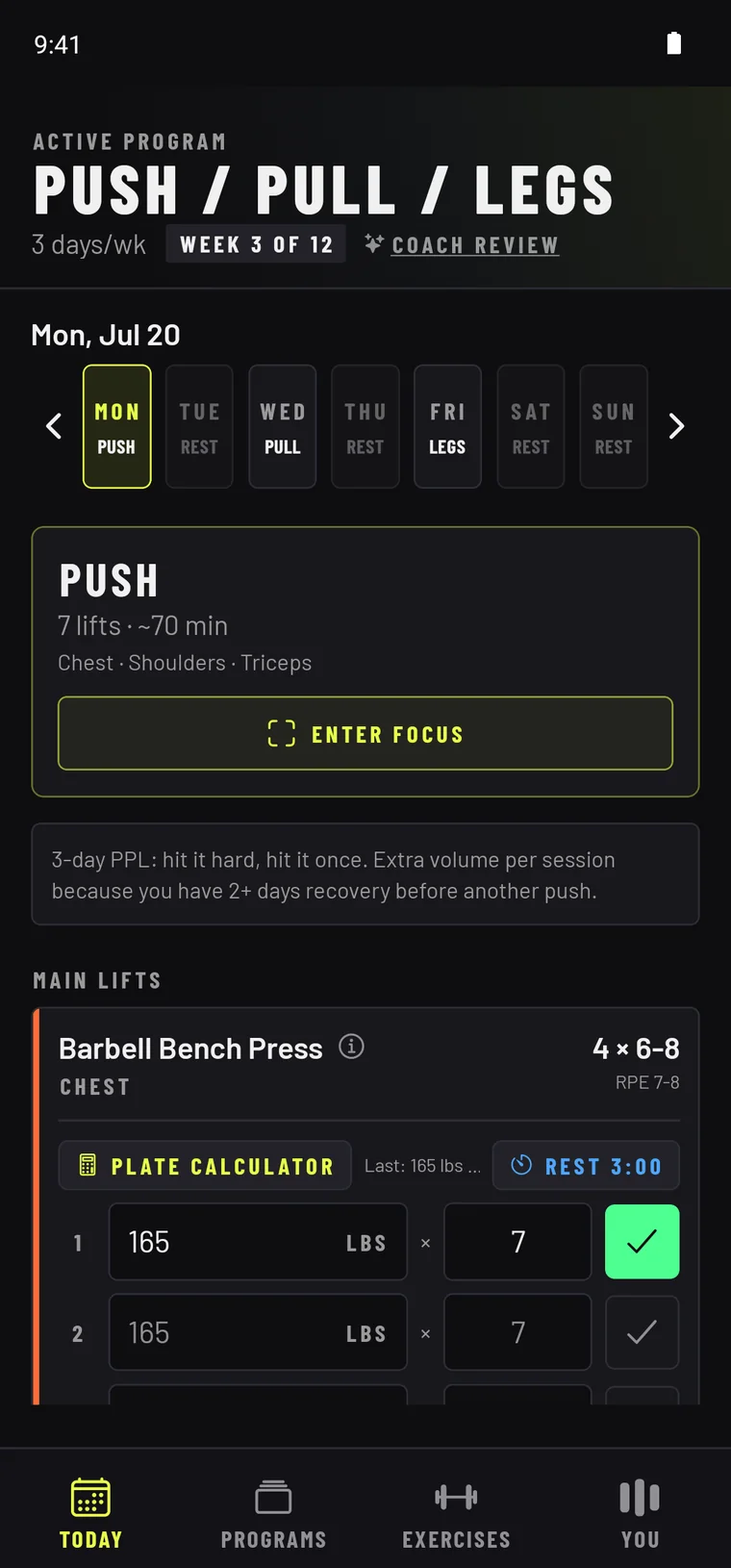
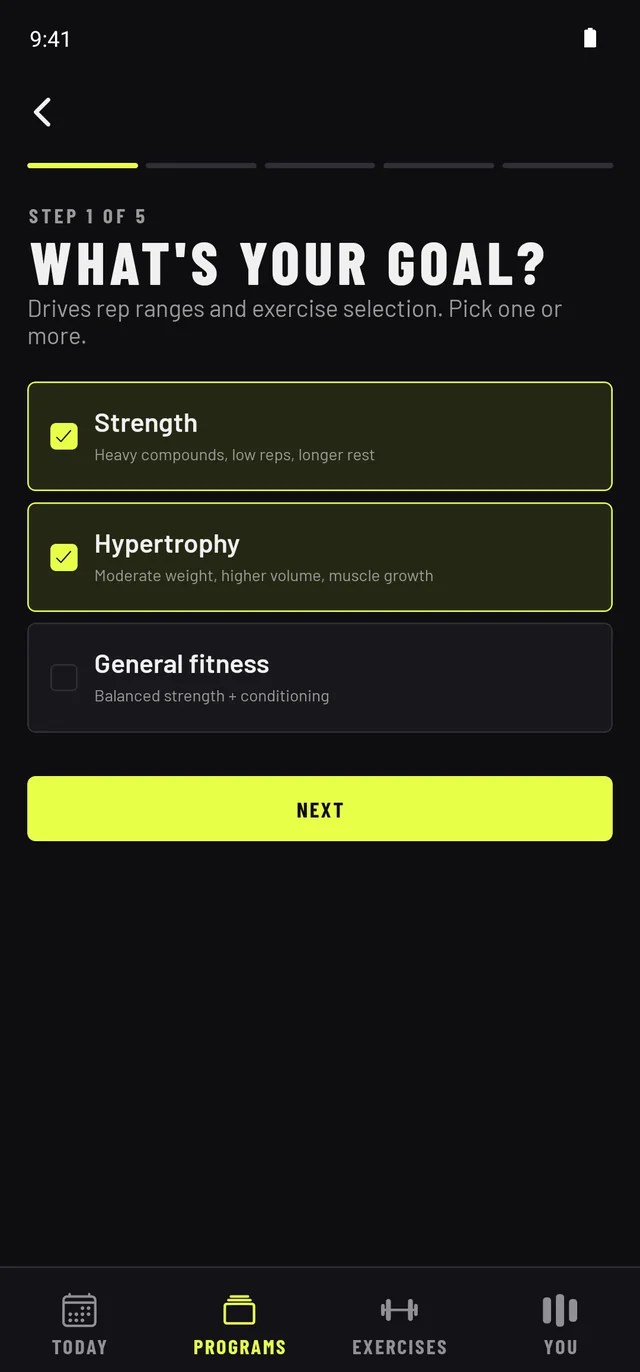
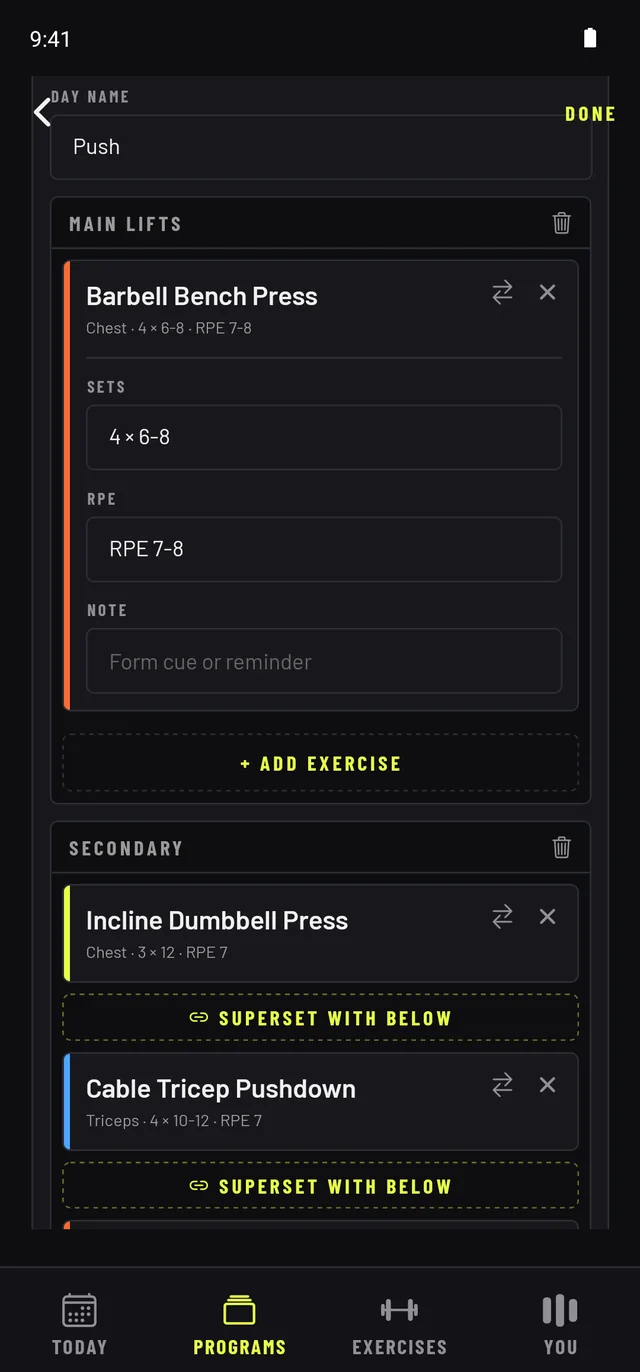
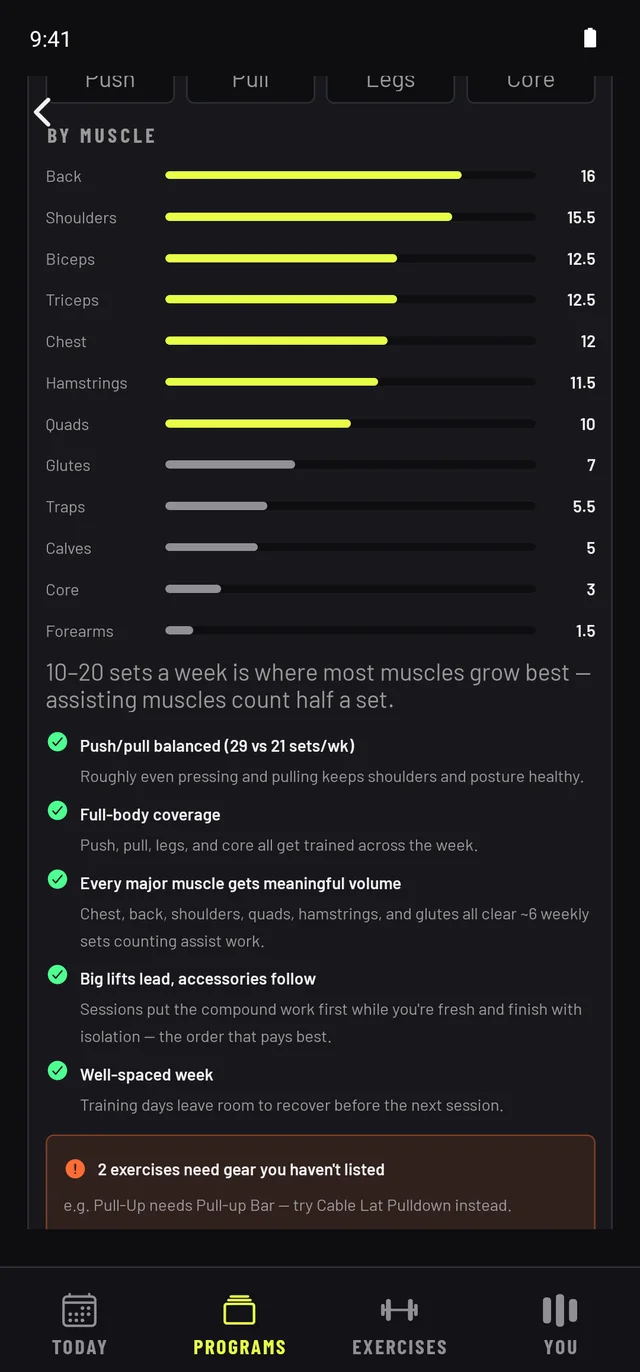
RepDeck is a workout tracker and program builder for lifters. Answer five questions — goal, training days, experience, equipment, session length — and it builds you a real, named training program you can see and edit: every exercise, set, and rest period is yours to change. A built-in Coach Review checks your plan the way a trainer would (weekly volume per muscle, push/pull balance, recovery between hard days) and can fix your week in one tap. Logging is free forever; Pro adds the programming depth for $3.99/month. RepDeck's answer to AI coaching apps is transparency: a plan you can question, not a black box.
Fast facts
- Name: RepDeck
- What it does: workout tracking + transparent training-program building
- Developer: Mariusz Ruda — a solo, bootstrapped developer
- Platforms: Android on Google Play + web at app.repdeckfit.com; iOS planned
- Pricing: logging, all 14 built-in programs (up to 4 training days/week), and the full builder are free forever. Pro is $3.99/month or $34.99/year — the 5-question wizard, 5–6-day programs, Coach Review, Hyperfocus mode, plate calculator, custom exercises, advanced stats. Every new account gets 14 days of Pro free, no card required.
- Website: repdeckfit.com
By the numbers
- 14 built-in programs — push/pull/legs, upper/lower, full-body, 5/3/1, calisthenics and more
- 250 exercises with photos, how-tos, and equipment-aware swaps
- 5 questions from sign-up to a program that fits your goal, schedule, and gear
- Works offline — sets are saved on-device and sync when you're back online
The story
Most workout apps do one of two jobs. Trackers record whatever you already planned — the planning is still on you. AI coaches plan for you, but hand you a workout you can't question. RepDeck was built on the belief that lifters deserve both jobs in one app, with the lifter in charge.
RepDeck is built by a solo developer who got tired of running training programs out of spreadsheets — and who found that the popular trackers had grown into social apps, with feeds, followers and ads bolted onto the logging. RepDeck deliberately has none of that: no feed, no ads, no data selling, and no venture pressure to add either. The only notification it sends is your rest timer.
What makes it different
- Named, transparent, editable programs. RepDeck shows you the whole plan and lets you change any of it — exercises, sets, reps, RPE, rest, supersets — instead of generating an opaque workout of the day.
- Equipment-aware programming. Tell it what gear you own and every program, swap, and wizard suggestion respects it — including a no-equipment calisthenics path.
- Coach Review. A deterministic program critic that checks weekly volume for every muscle, push/pull balance, day arrangement, and recovery — then offers one-tap fixes. No LLM, no hallucinated sets: the same input always gets the same honest review.
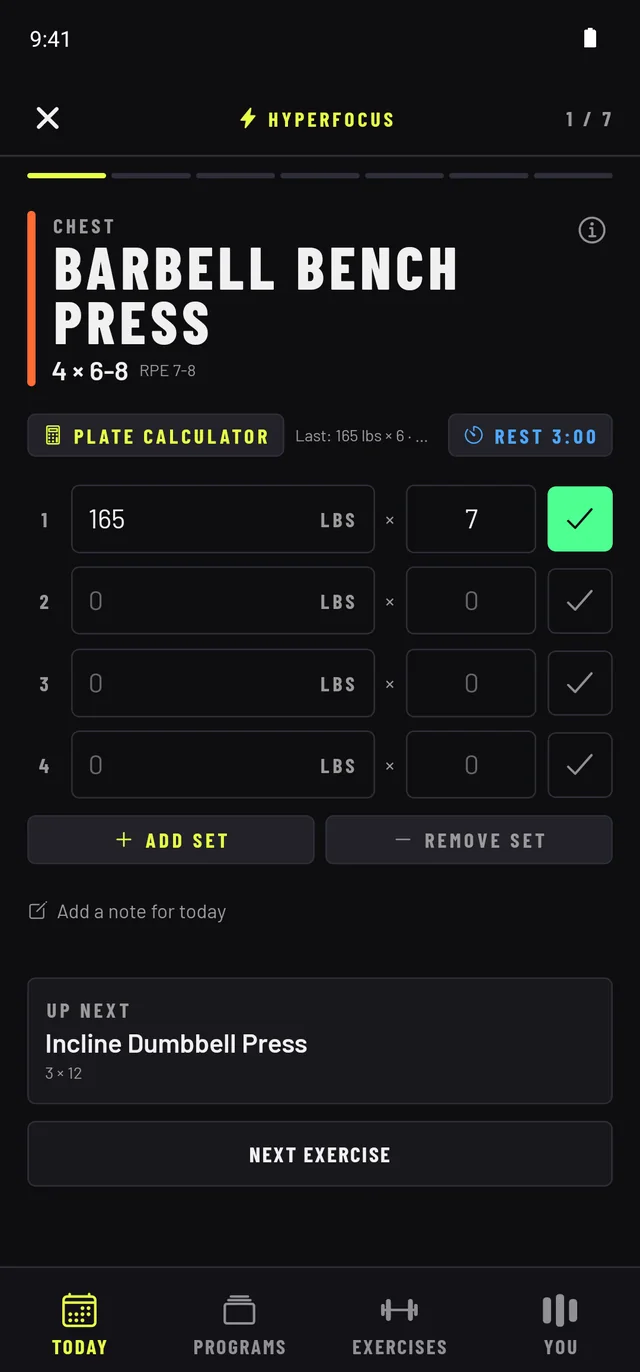
- It stays out of the way. No feed, no followers, no ads, no marketing notifications — the only alert is the rest timer. A set is one tap, with weight and reps pre-filled from last time, and the whole gym loop works with no signal.
Screenshots
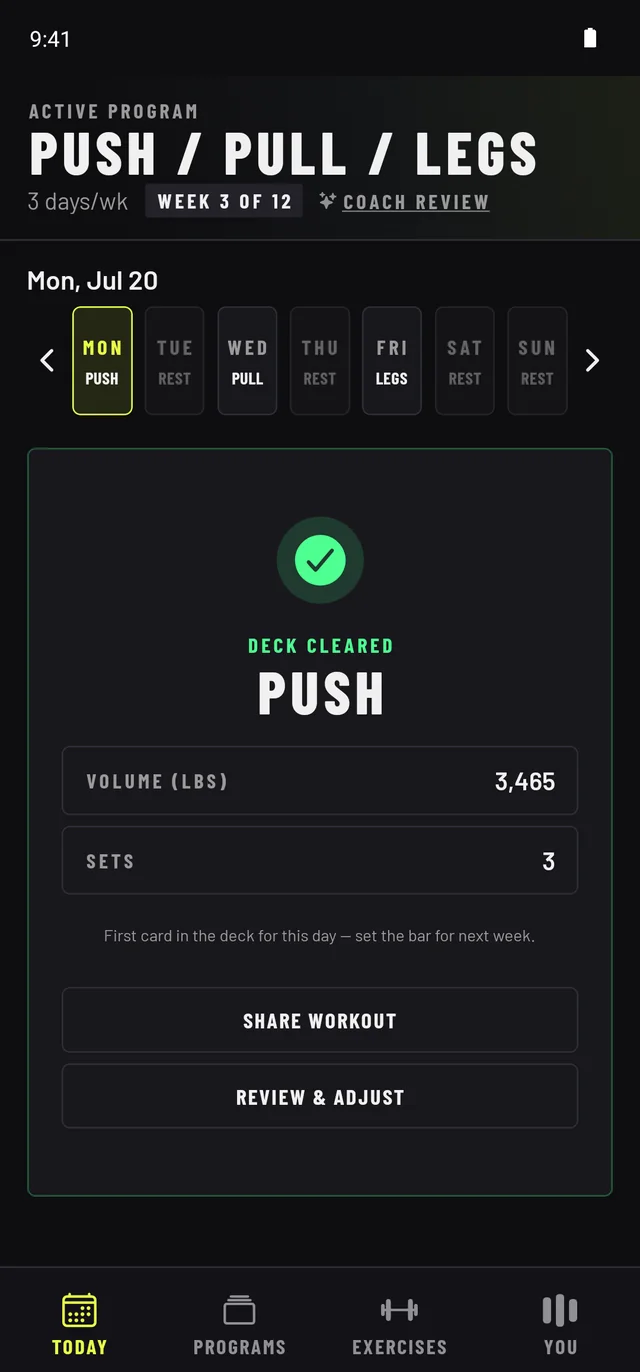
Tap any image for the full-resolution file. Higher-resolution PNG captures are available on request.
Brand assets

Colors: background #0e0e10 · accent #e8ff47 · orange #ff6b35 · blue #4da6ff. Type: Barlow + Barlow Condensed (Google Fonts).
Review access
Writing about RepDeck? Email support@repdeckfit.com and we'll set you up with free Pro access for as long as your testing takes — plus early Android builds if you'd like to test ahead of the Play launch. We're happy to answer questions, provide higher-res assets, or walk through how the program engine and Coach Review work under the hood. Interviews with the developer: same address, usually same-day replies.